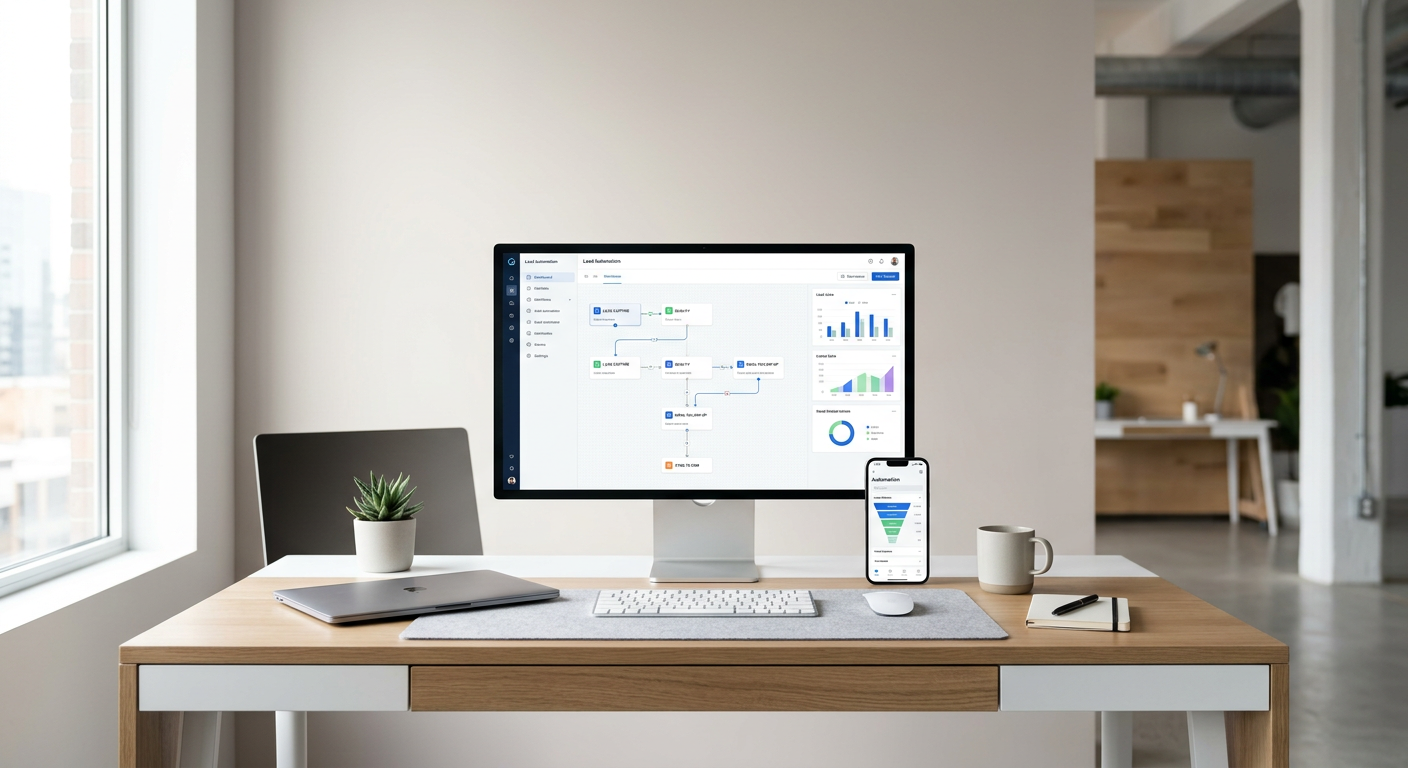
If you run a local service company in Ottawa, every missed call or slow reply costs you a job. Lead automation helps you answer faster, book more work, and keep customers coming back.
This guide shows Ottawa service businesses how to capture leads, route them to the right person, and follow up automatically. The key takeaway: a simple, well-structured lead flow can lift response speed, conversion, and reviews without adding headcount.
What Lead Automation Means for Ottawa Service Companies
Lead automation is the system that collects inquiries, responds right away, and moves each lead to a clear next step. For local teams, this means fewer missed calls, faster booking, and better customer experience.
Why local speed matters
- Shoppers compare multiple providers. The first clear, friendly reply usually wins.
- Evenings and weekends still generate form fills. An automatic confirmation keeps you in the running.
- Quick updates reduce back-and-forth and no-shows.
Signs you need it
- You find unread contact forms days later.
- Missed calls pile up with no follow-up.
- Estimates go out late and prospects go cold.
- You forget to ask for reviews after the job.
Primary Keyword and Local Focus
The primary keyword is Local SEO Toronto for context on local search behavior, but our focus here is Ottawa service businesses and their lead flow. Many best practices overlap across the GTA and Ottawa. We will reference local directories and map packs where useful.
What this means for search visibility
- Accurate business info across directories helps leads find you.
- Consistent NAP data supports map rankings and trust.
- Fast responses turn searchers into booked jobs.
Where lead automation fits alongside local SEO
- Local SEO drives discovery. Automation converts interest into appointments.
- Together, they reduce wasted ad spend and lost inquiries.
The Core Lead Flow to Build
A dependable lead flow is simple. Capture, confirm, route, follow up, and close the loop. Keep it clear so your team can run it daily.
Step 1: Capture the lead cleanly
- Use a concise form with name, phone, email, service type, and postal code.
- Offer an optional message box for context.
- Include a clear privacy note to build trust.
Step 2: Send instant confirmation
- Reply within seconds with a friendly message and next steps.
- Set expectations on response time and required details.
- For after-hours, promise a time window for a callback.
Step 3: Route to the right person
- New installs to sales. Emergencies to on-call tech. Maintenance to scheduling.
- Use simple rules by service type or postal code.
- Back up with an all-staff alert if unclaimed after a set time.
Step 4: Auto follow-up if no reply
- If your team has not connected in a set window, send a polite check-in.
- Offer two options: book a time or request a quick quote.
- End after 2 to 3 nudges to avoid spam.
Step 5: Request reviews after the job
- Send a short request with direct links.
- Thank the customer and invite private feedback if there was an issue.
- Space messages properly and keep it optional.
Mapping Triggers, Messages, and Timing
Clarity wins. Write short, direct messages with a human tone. Confirm key details and propose a next step in every touch.
Recommended timing windows
- Immediate: Lead received confirmation
- 10 to 20 minutes: Team assignment alert if unclaimed
- 2 hours: First follow-up nudge
- 24 hours: Second nudge with booking link
- After job completion: Review request within 24 to 48 hours
Message templates you can adapt
- New lead confirmation: Thanks for reaching out, [Name]. We got your request for [Service]. A coordinator will contact you by [Time]. For faster booking, reply with your postal code.
- Missed call text: Sorry we missed you, [Name]. Can we call you back now or later today? Reply 1 for now, 2 for later.
- Quote follow-up: Hi [Name], just checking in on your [Service] quote. Would you like to schedule a visit or ask questions?
- Review request: Thanks for choosing us, [Name]. A quick review helps local customers find reliable service. Share your experience here: [Link]
Building the Lead Intake Forms That Convert
Your form is the front door. Make it fast to complete and easy to understand.
What to include
- Contact info: name, phone, email
- Service type: dropdown to keep data clean
- Postal code: helps price, timing, and routing
- Preferred contact: call, text, or email
What to avoid
- Long, open-ended fields
- Mandatory uploads
- Confusing service names
Routing Rules and Ownership
Strong routing prevents drift. Every lead should have one owner.
Simple routing logic
- Emergencies go to on-call with SMS alert
- New installs or quotes go to sales
- Maintenance and follow-ups go to scheduling
Defining ownership
- Assign a single person responsible for each lead
- Set a backup contact if unclaimed in 15 minutes
- Track status changes and next actions
Measuring What Works
Measure speed to first reply, booked appointments, and review rate. These numbers link directly to revenue.
Key metrics to track
- Time to first response
- Conversion to appointment or quote
- No-show rate
- Review request send rate and completion rate
How to use the data
- Shorten reply times if conversion lags
- Update message templates based on replies
- Identify peak inquiry hours and schedule coverage
Comparing Common Lead Channels
Below is a quick comparison of popular lead channels for Ottawa service teams.
This table compares volume, response expectations, and best use cases.
| Channel | Typical volume | Response expectation | Best use case |
|---|---|---|---|
| Website form | High | Immediate confirmation | Detailed inquiries and quotes |
| Phone calls | Medium to high | Live answer or fast callback | Urgent service and complex questions |
| Text messages | Medium | Minutes | Quick updates and scheduling |
| Medium | Same day | Estimates and documents | |
| Google Business chat | Low to medium | Minutes | Map-driven leads and quick questions |
Local Reviews and Reputation Workflow
Reviews drive local trust. Build a steady, polite process that runs after every job.
How to request reviews
- Ask permission at the end of the visit
- Send a short link with simple instructions
- Thank the customer and invite private feedback if needed
Handling negative feedback
- Reply quickly and acknowledge the issue
- Offer a path to resolve privately
- Learn from the pattern and adjust your process
Training Your Team to Use the System
Automation works best with clear roles. Teach the team what to do at each step.
What to cover in a 30-minute session
- How leads arrive and who owns them
- Expected reply windows
- How to update status and notes
Quick reference checklist
- New lead received and owned
- First reply sent
- Appointment offered or next step proposed
- Follow-up set if no response
- Close with a review request
Realistic Scenarios and Fixes
Here are common issues and simple ways to fix them.
Scenario 1: Lots of leads, few bookings
- Problem: The first reply is slow or vague.
- Fix: Tighten the confirmation message and propose a clear time to talk.
Scenario 2: Bookings made, many no-shows
- Problem: Customers forget appointments.
- Fix: Send a reminder the day before and the morning of. Offer a reschedule link.
Scenario 3: Good jobs, few reviews
- Problem: You forget to ask or the link is buried.
- Fix: Ask in person, then send a single, clean link within 24 hours.
Budget and Time to Implement
Most small teams can set up a basic flow in a week and improve it over time.
This table compares a starter setup and an enhanced setup.
| Setup | Time to launch | Typical cost range | What you get |
|---|---|---|---|
| Starter | 3 to 5 days | Low to moderate | Clean form, instant replies, basic routing, review asks |
| Enhanced | 2 to 4 weeks | Moderate | Smart routing, multi-step follow-ups, dashboards, reporting |
Compliance, Consent, and Respect
Be careful with personal data and messaging frequency. Your reputation is worth protecting.
Practical guidelines
- Get clear consent for messages
- Offer easy opt-out
- Store only what you need
- Use polite, human language
Tone and clarity
- Keep messages short and friendly
- Avoid pressure or urgency language
- Always offer a next step and a way to reach a person
Bringing It All Together
A simple flow beats a complicated one. Make every step obvious: capture, confirm, route, follow up, request review.
A one-page playbook
- Form with required basics
- Instant confirmation with next step
- Clear owner and backup
- Two polite nudges, then stop
- Review request after completion
Continuous improvement
- Review metrics weekly
- Update templates monthly
- Train new staff with a 30-minute walkthrough
Key Takeaways
- Fast, clear replies win local service work in Ottawa.
- Keep your lead flow simple and owned by one person.
- Use short, friendly messages with a clear next step.
- Track response time, bookings, and reviews to improve.
- Reviews power local trust and future leads.
Lead automation does not replace your team. It supports them so more inquiries turn into booked, happy customers.
COMMON QUESTIONS
Questions from this article.
What is lead automation for a service business?
It is a system that captures inquiries, replies instantly, routes to the right person, follows up automatically, and requests reviews after the job.
How long does a basic lead automation setup take?
A starter setup often takes 3 to 5 days for forms, instant replies, simple routing, and review requests. You can expand features over time.
Will automation make my messages feel impersonal?
Not if you keep messages short, friendly, and helpful. Always set expectations and offer a simple next step or human contact option.
Which metrics should I track first?
Start with time to first response, conversion to appointment or quote, no-show rate, and review completion rate.
Do I need new software to start?
Not always. Begin with clean forms, clear messages, and basic routing. Add tools later if you need dashboards, advanced rules, or reports.