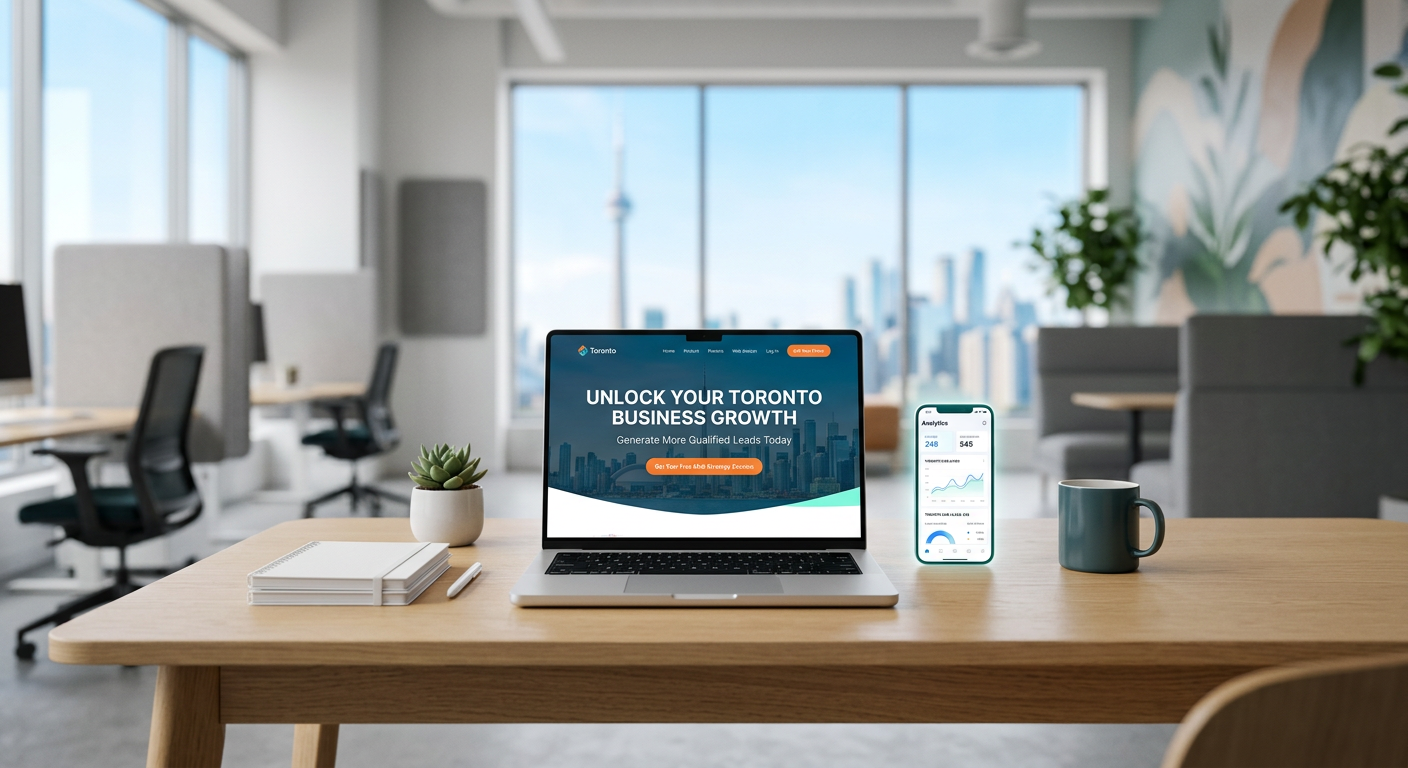
A great landing page can turn clicks into booked jobs. If you run a service business in Toronto, the right page can be the difference between a visitor bouncing and a new customer calling.
This guide walks Toronto small business owners through a practical landing page structure, copy, and layout that convert ad and search traffic into leads. Key takeaway: keep it simple, make benefits obvious, reduce friction, and measure what matters. Primary focus is Web Design Toronto best practices applied to local service markets.
Why Landing Pages Matter for Toronto Service Businesses
Toronto customers have lots of options and little patience. A focused page lets you match the exact intent of your ad or search query and guide visitors to one action. That action is usually a call, a quote request, or a booking.
A good page also filters out distractions. No crowded menus, no side paths. Just a clear offer, proof, and an easy way to contact you. This focus is what drives higher conversion rates and better ROI from your marketing spend.
Common problems a landing page can solve
- Low conversion from ads due to generic site pages
- Missed calls or slow replies after form submissions
- Confusing copy that hides your real value
- Mobile layouts that frustrate users
What this means for ROI
- More leads from the same ad budget
- Faster response and better customer experience
- Easier testing to learn what messages work
The Core Structure That Converts
Build your landing page in a simple, repeatable flow. Each block has a job. Do not add sections that do not help a visitor decide.
1) Clear headline and subhead
- Headline: state the service and city. Example: Fast Plumbing Repairs in Toronto
- Subhead: say the core benefit and response time. Keep it short and concrete.
2) Primary call to action
- Button or sticky bar: Call Now, Get a Quote, or Book a Service
- Place it above the fold and repeat it after every major section
- On mobile, a tap to call button helps capture urgent intent
3) Trust signals up front
- Show review stars or a brief testimonial near the top
- Include badges like WSIB, insured, or industry association if relevant
- Add service area mention: Serving Toronto and the GTA
4) Service snapshots
- List 3 to 5 specific services tied to search intent
- Add one line per service that highlights outcome, not features
- Keep it scannable with bullets
5) Proof of results
- 2 to 4 short testimonials with names and neighborhoods
- Before and after photos if visual work
- A brief mini case story: Problem, Action, Result
6) Pricing clarity or starting points
- If you can, show starting prices or typical ranges
- If not, explain what affects price and offer a fast quote
7) Risk reducers
- Simple guarantees you can stand behind
- Clear next step and response time window
8) Contact options and form
- Offer two paths: call now and request a quote
- Keep the form short: name, phone or email, service needed, postal code
- Add a privacy note: We never share your info
Copywriting That Drives Action
Your words should make a busy Toronto homeowner or manager feel understood and safe choosing you. Aim for plain English and concrete benefits.
The formula for your hero section
- Who you help: Homeowners in Toronto
- What you do: Same day drain clearing
- What they get: Clean pipes today, no mess
- What to do next: Call now for a free quote
Tips for headlines and subheads
- Use the city name naturally: Trusted Electricians in Toronto
- Avoid fluff: Reliable, Fast, and Fair Pricing beats Revolutionary Solutions
- Keep sentences short. Cut filler words.
Body copy best practices
- Use you more than we
- Tie benefits to time and money: Saves an extra visit, lowers monthly costs
- Break text with bullets and white space
Above the Fold: Layout and Elements
This is the make or break area. Keep it focused and mobile friendly.
What to include immediately
- Service + city headline
- One sentence benefit
- Primary CTA button and phone number
- Small trust row: star rating, years in business, insured
What to avoid at the top
- Long paragraphs
- Complex navigation with many links
- Autoplay videos or heavy sliders
Social Proof That Feels Real
People trust people. Strong proof cuts hesitation and speeds decisions.
The best types of proof
- Short quotes with full names and area: Leslieville, North York, Etobicoke
- Photo and role if B2B: Property Manager, Restaurant Owner
- Simple case story: Leaky roof fixed same day, prevented damage before storm
How to collect and present reviews
- Ask after a successful job and make it easy to submit
- Place two testimonials near the top and more lower on the page
- Use consistent formatting so they are easy to scan
Offers, Pricing, and Guarantees
Price transparency builds trust, even if you cannot post exact numbers.
Smart ways to show value without racing to the bottom
- Starting from pricing: Drain cleaning from $149
- Tiered service snapshots: Basic, Standard, Premium with clear differences
- Explain what is included to prevent surprises
Risk reducers that work
- Free recheck within 7 days on eligible services
- No surprise invoice policy with written estimates
- Same day response window for calls before 2 pm
Forms and Calls That Actually Convert
Make it effortless to contact you. Every extra field costs leads.
Form best practices
- Keep to 4 fields max for first touch
- Use a dropdown for service type
- Add a short note on response time: We reply within 15 minutes during business hours
Phone and chat options
- Prominent click to call button on mobile
- After hours voicemail with a friendly callback promise
- If you use chat, make it optional and non intrusive
Mobile Experience for On the Go Visitors
Many Toronto searches happen on phones. A mobile friendly page is not optional.
Mobile layout priorities
- Big, clear buttons and forms
- Short paragraphs and bullets
- Tap to call fixed footer or sticky CTA
Speed and clarity on small screens
- Compress images and keep layouts clean
- Avoid pop ups that hide content
What to Track and How to Improve
You cannot improve what you do not measure. Pick a few metrics and test small changes.
Key metrics to watch
- Conversion rate by traffic source
- Calls and form submissions per week
- Cost per lead from ads
Simple tests with big impact
- Headline swaps that include the service and city
- CTA copy: Get a Quote vs Book a Visit Today
- Proof placement: moving reviews above or below the fold
Toronto Local Context Matters
Your landing page should reflect how people in the GTA search and buy. Speak to neighborhoods and common needs.
Ways to localize your page
- Mention service areas like Scarborough, Etobicoke, North York, Vaughan, and the GTA
- Use photos that match local homes and commercial spaces
- Reference common local issues: winter damage, spring leaks, summer AC loads
Align with how people find you
- If you appear for Web Design Toronto or related terms, echo that language on page
- Match ads and headlines to the same offer and location
Example Page Wireframe
This is a simple outline you can hand to a designer or copywriter.
Section by section layout
- Hero: Service in Toronto, subhead, CTA, phone, trust badges
- Services: 3 to 5 tiles with short benefits
- Proof: 2 to 3 testimonials with names and areas
- Offer: Starting prices or fast quote explainer
- Process: 3 steps from contact to completion
- CTA: Repeat call and form
- FAQ: Top 3 questions with brief answers
Process and Timeline to Launch
A focused landing page does not need months. You can move fast with a tight scope and clear roles.
Here is a simple comparison of two common approaches.
This table compares a fast sprint build versus a slower, broad redesign.
| Approach | Timeline | Cost Range | Best For | Risk |
|---|---|---|---|---|
| Sprint Landing Page | 1 to 2 weeks | Low to mid | Testing offers and ads quickly | Limited scope |
| Full Website Redesign | 4 to 8 weeks | Mid to high | Brand overhaul and site wide fixes | Longer time to value |
Post Launch Playbook
After launch, keep tuning. Small changes each week compound into big gains.
Weekly checklist
- Review calls and forms from the last 7 days
- Listen to a few call recordings for objections
- Update one headline, testimonial, or photo
Monthly checklist
- Compare conversion by traffic source
- Refresh offers for seasonality
- Add one new case story with a real result
Common Mistakes to Avoid
Even good pages can fail if the basics are off. Check your build for these issues.
High friction elements
- Long forms with many required fields
- Vague next steps after form submit
- Hidden contact info
Messaging gaps
- No clear city or service in the headline
- Claims without proof
- Technical jargon that confuses readers
Templates and Prompts You Can Use Today
Speed up writing with a few fill in the blank prompts.
Headline prompts
- Trusted [Service] in Toronto
- Same Day [Service] for Toronto Homeowners
- Fast, Reliable [Service] Across the GTA
Subhead prompts
- Book today, get service in [hours or time window]
- Upfront pricing and friendly, local team
- We pick up the phone and show up on time
Choosing a Partner in the GTA
If you want help, pick a partner who focuses on clear copy, quick delivery, and practical testing. Look for experience with local service brands and a process that keeps you in the loop.
What to ask before you hire
- How will you measure success and report results
- What is the launch timeline and who does what
- How many revisions are included and how fast are changes
Key Takeaways
- Lead focused pages win by being simple, local, and clear
- Put service and city in the headline and repeat the primary CTA
- Use real proof, short forms, and fast follow up to lift conversions
- Test small changes weekly and track calls and form submissions
A focused landing page can turn Toronto clicks into real customers. Start simple, measure results, and improve a little each week.
COMMON QUESTIONS
Questions from this article.
What is the ideal length for a landing page?
Long enough to answer key questions without fluff. Most service pages work well with 6 to 10 concise sections and repeated calls to action.
How many form fields should I use?
Keep it to 3 to 4 fields for the first contact. Ask for name, phone or email, service type, and postal code. You can collect more details later.
Should I include pricing on the page?
If possible, show starting prices or ranges. If pricing varies, explain what affects cost and offer a fast quote with a clear response time.
How do I handle leads after hours?
Use a friendly voicemail and automated acknowledgement. Promise a callback window and meet it. Offer an option to submit a form for priority follow up.
How soon can I launch a landing page?
With clear copy and a simple layout, many businesses can launch in 1 to 2 weeks. Start lean, then test and improve based on real data.